Claude Code 入门:安装登录、CLAUDE.md 与 claude -p 无头模式
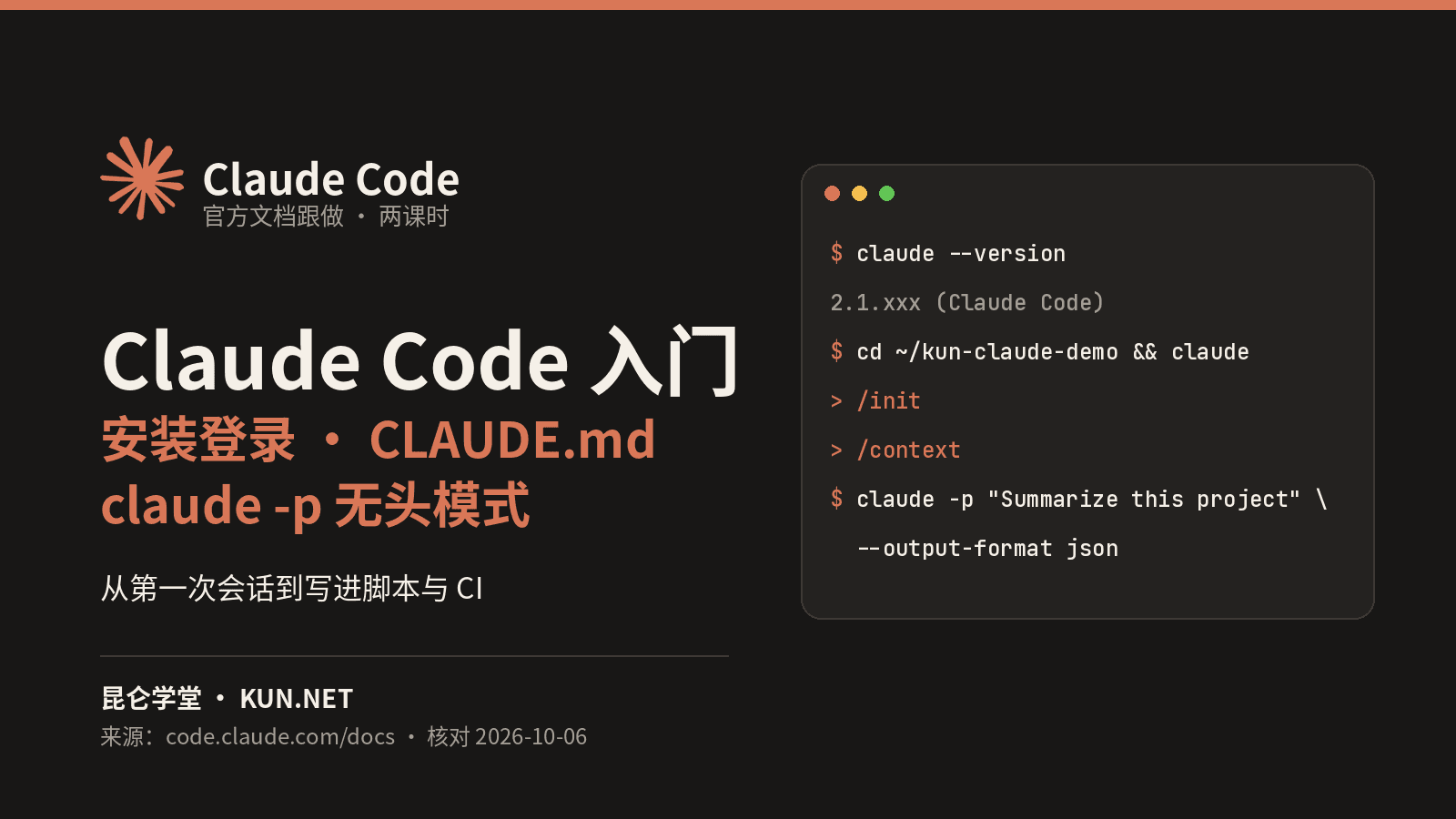
按 Anthropic 官方 Quickstart、Memory 与 Headless 文档:原生安装并登录 Claude Code,在练习项目里完成第一次提问、改代码与提交;用 /init 生成 CLAUDE.md 固化项目规矩,再用 claude -p 接入脚本与 CI(JSON 输出、--allowedTools、续接对话、--bare)。含可抄命令与对照结果。
入门·2 课时·45 分钟·图文实操
免费学习无需登录
你将学会
- 用官方原生安装脚本(或 Homebrew / WinGet / npm)安装 Claude Code,并用 claude --version 与 claude doctor 验证
- 登录订阅或 Console 账号,在项目目录开启会话,完成提问、改代码与 Git 提交
- 理解 Manual / acceptEdits / plan / auto 权限模式,并用 Shift+Tab 切换
- 用 /init 生成并整理项目 CLAUDE.md,用 /context 与 /memory 核对加载情况
- 用 claude -p 非交互运行:管道输入、--output-format json、--json-schema、--allowedTools、--continue / --resume 与 --bare
适合谁
- 想在终端里用 AI 编程智能体读代码、改代码、提交 Git 的开发者
- 需要把 Claude Code 接入脚本、构建流程或 CI 的工程师
- 已用 Cursor / Copilot 规则文件、想迁移到 CLAUDE.md 的团队
课前准备
- Claude Pro / Max / Team / Enterprise 订阅或 Claude Console 账号(免费版 claude.ai 不含 Claude Code)
- 位于 Anthropic 支持的国家和地区,可联网
- macOS 13+、Windows 10 1809+、Ubuntu 20.04+ / Debian 10+ / Alpine 3.19+,4 GB+ 内存
- 已安装 git 与 python3;课时 2 的 JSON 示例需要 jq
课程目录
2 课时 · 45 分钟- 01安装登录与第一次会话:提问、改代码、提交按官方 Quickstart:原生安装 → claude --version / claude doctor → 登录 → 在练习项目中提问、修改 divide()、对话式 Git 提交;认识权限模式与常用命令。图文20 分钟开始本课
- 02CLAUDE.md 项目记忆与 claude -p 无头模式按官方 Memory 与 Headless 文档:/init 生成 CLAUDE.md、写可验证指令、@ 导入、/context 核对;claude -p 管道、JSON 与 Schema 输出、--allowedTools、续接对话与 --bare。图文25 分钟开始本课